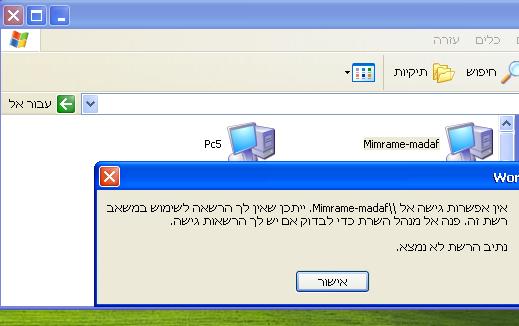
נסה את זה:
Start--->cmd--->ipconfig /flushdns
ואז
Start--->cmd--->net stop "dns client" && net start "dns client"
ואם לא עזר
אז אחרי גיבוי רג'יסטרי את זה:
To resolve this problem, re-initialize the cache of offline files. To do this, follow these steps:
Click Start, type regedit in the Start Search box, and then press ENTER.
If you are prompted for an administrator password or for a confirmation, type the password, or click Continue.
Locate the following registry subkey, and then right-click it:
HKEY_LOCAL_MACHINE\System\CurrentControlSet\Services\CSC
Point to New, and then click Key.
Type Parameters in the box.
Right-click Parameters, point to New, and then click DWORD (32-bit)Value.
Type FormatDatabase, and then press ENTER.
Right-click FormatDatabase, and then click Modify.
In the Value data box, type 1, and then click OK.
Exit Registry Editor, and then restart the computer.


 גירסת הדפסה


 סגן המנהל
 מפקח
מפקח Winner
 צל"ש
צל"ש מומחה
מומחה